
Login Instructions for STP Compliance Suite Users
Please open each tab below and follow the instructions to create your account and sign in.
Go to https://stpub.com
Select either STP RegHub Login or STP AuditHub Login depending on your companies subscription
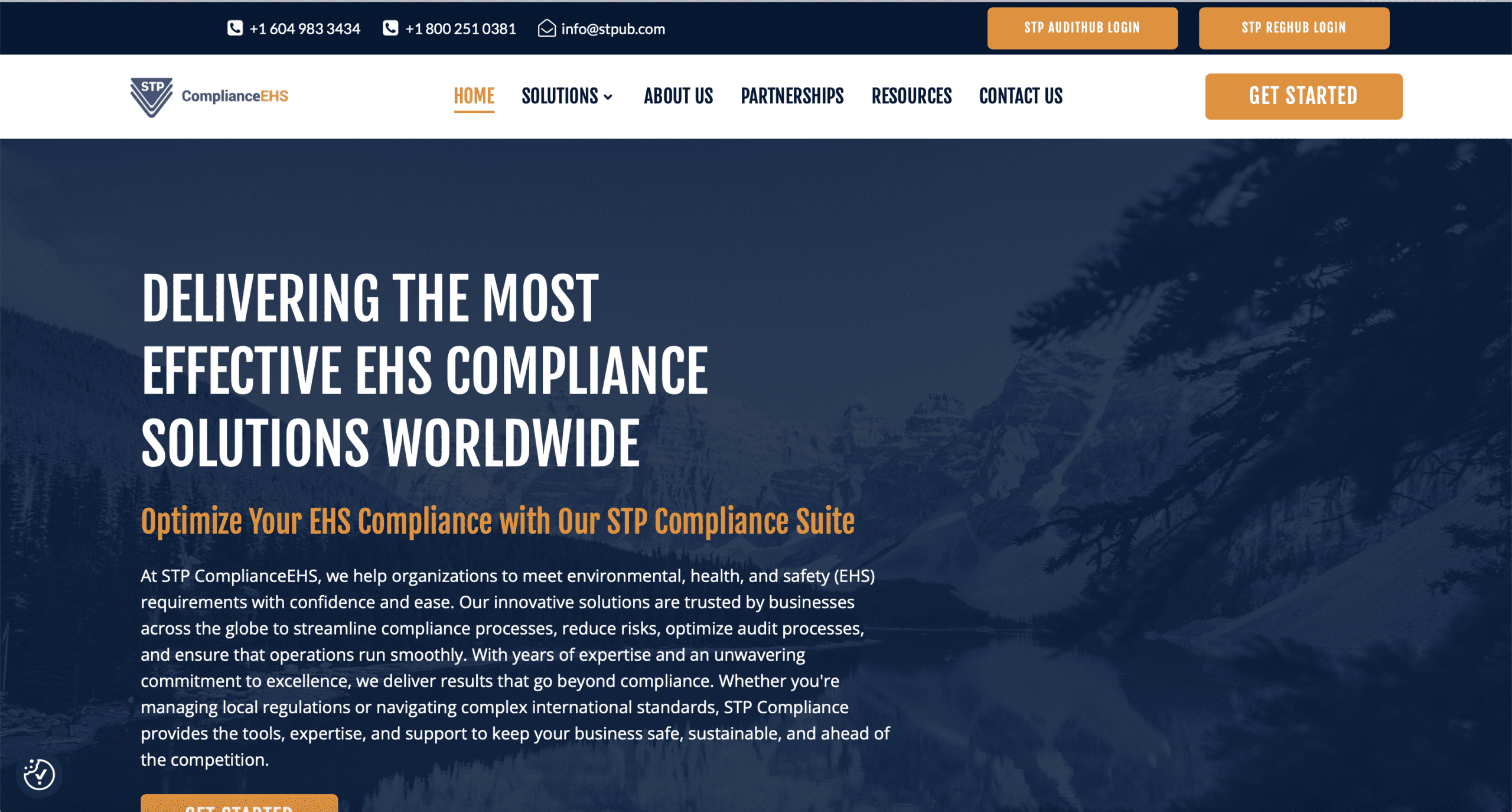
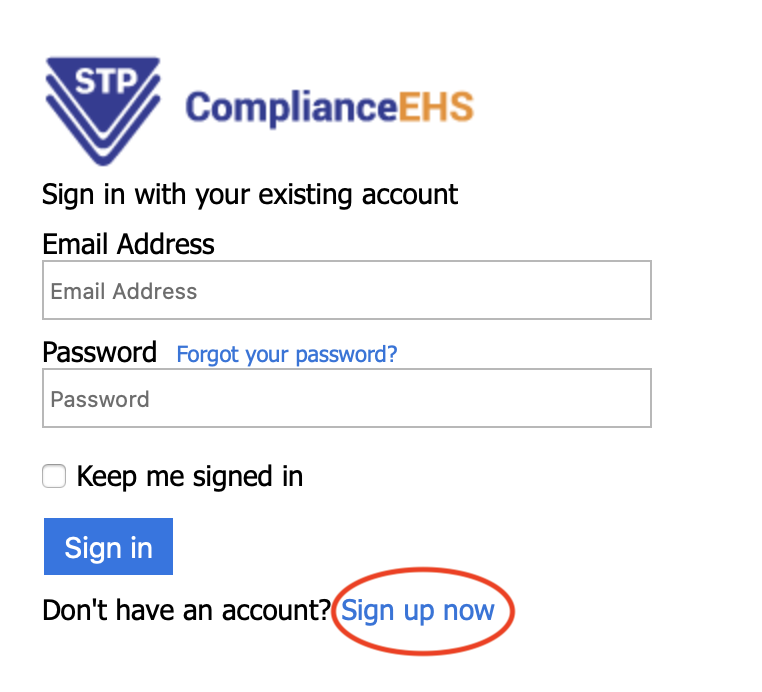
This will bring you to the Verification page shown below.
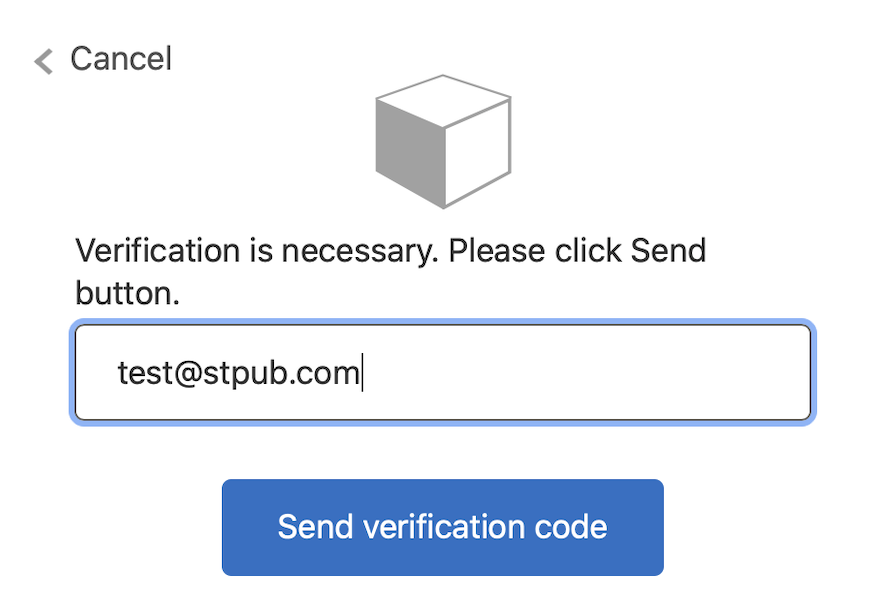
Enter your email address and hit Send verification code (It will be sent to your email in your inbox, however, do check your junk folder if you have not received it within a few minutes.)
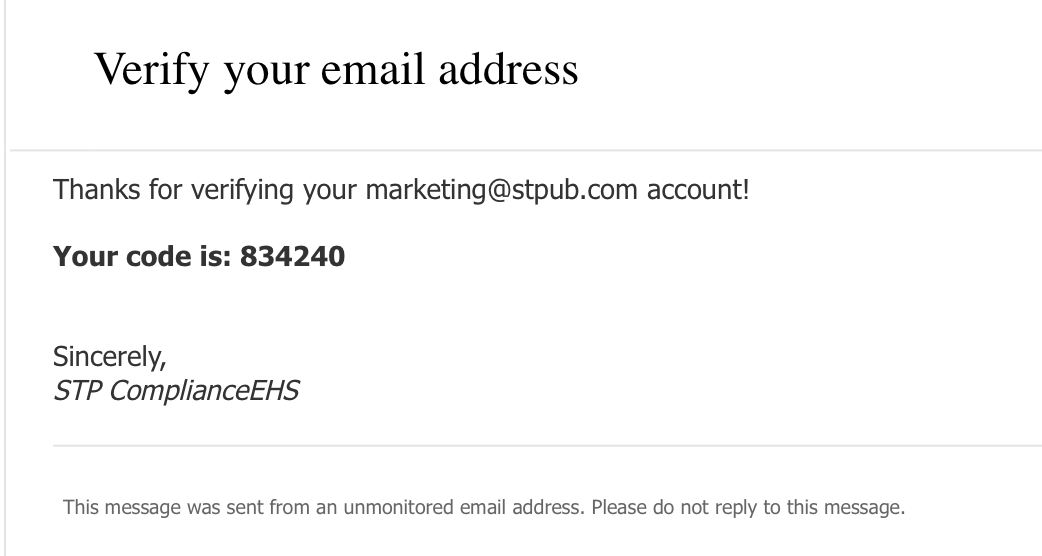
Enter the code and hit Verify code.
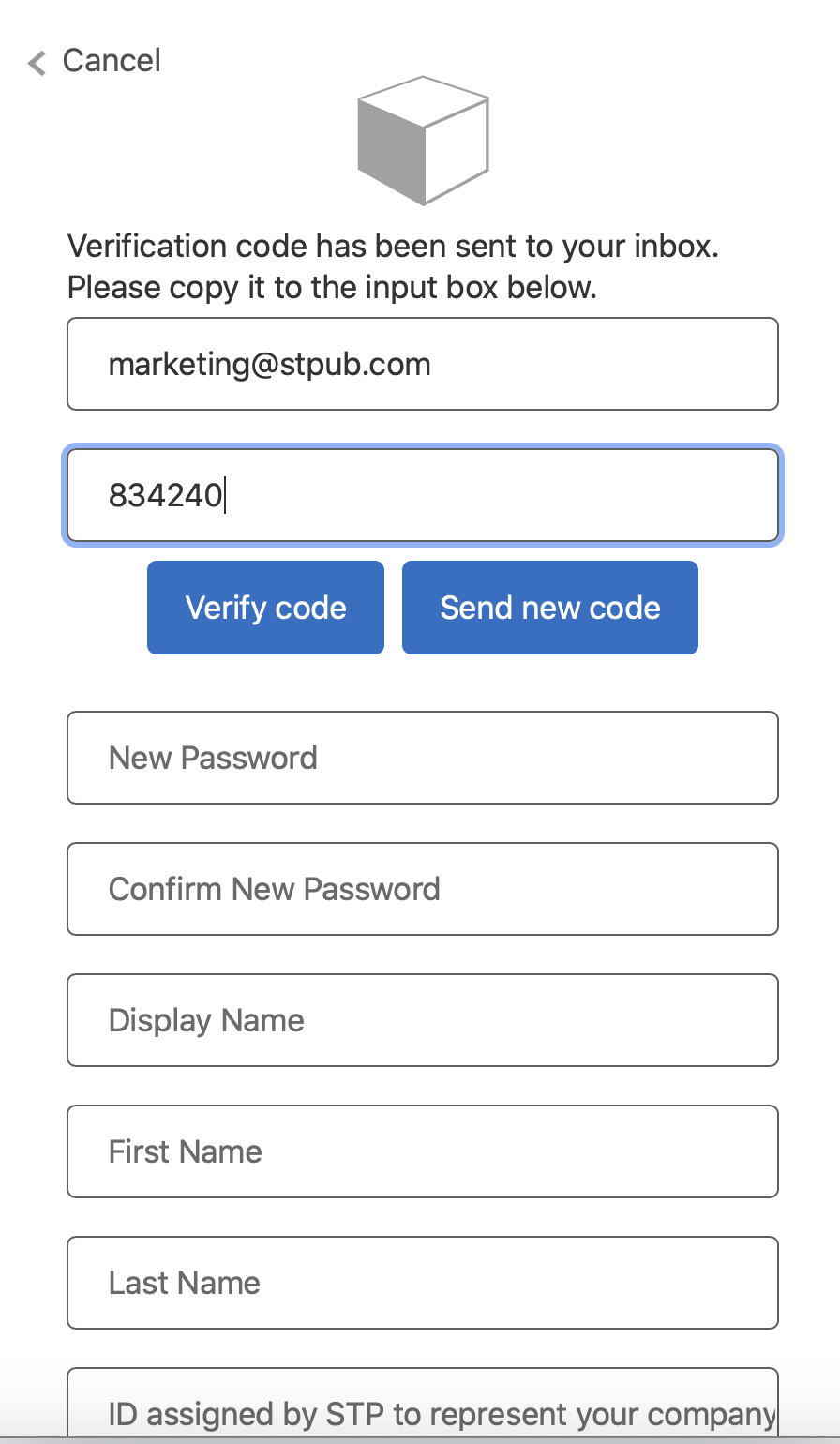
Enter a password of your choice. Your password should contain:

Enter your First Name, Last name and a Display name.
Enter your company ID, which has been assigned by STP to represent your company.
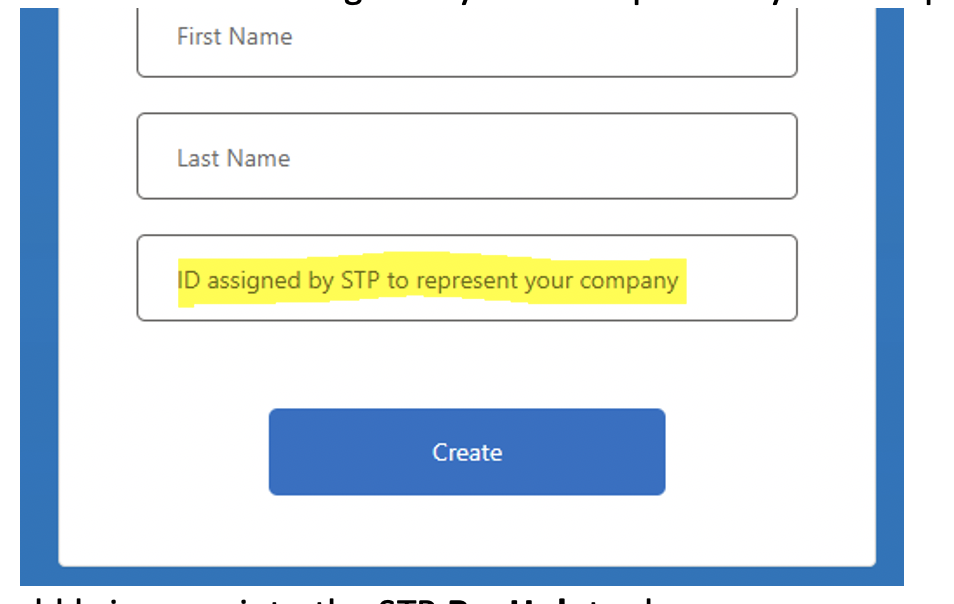
Select Create. This should bring you into the STP RegHub or STP AuditHub Dashboard .